

Troubleshooting
Redis-backed code does not compile
Enable exactly one runtime feature: redis-tokio or redis-smol. Local provider needs neither.
Redis operations fail
Verify Redis 7.2+, connection URL, connection manager, and consistent prefixes.
Old v1 examples fail
v2 removed RateLimiter, RateLimiterOptions, provider option structs, and numeric configuration
setters. Construct LocalRateLimiterProvider, RedisRateLimiterProvider, or
HybridRateLimiterProvider directly and use semantic configuration types.
See Configuration Types for the v2 replacements and defaults.
Limits differ across instances
- Local state is process-scoped.
- Redis-backed instances must share namespace and settings.
- Hybrid decisions may lag remote state until synchronization.
Redis keys fail validation
RedisKey must be non-empty, at most 255 bytes, and contain no :.
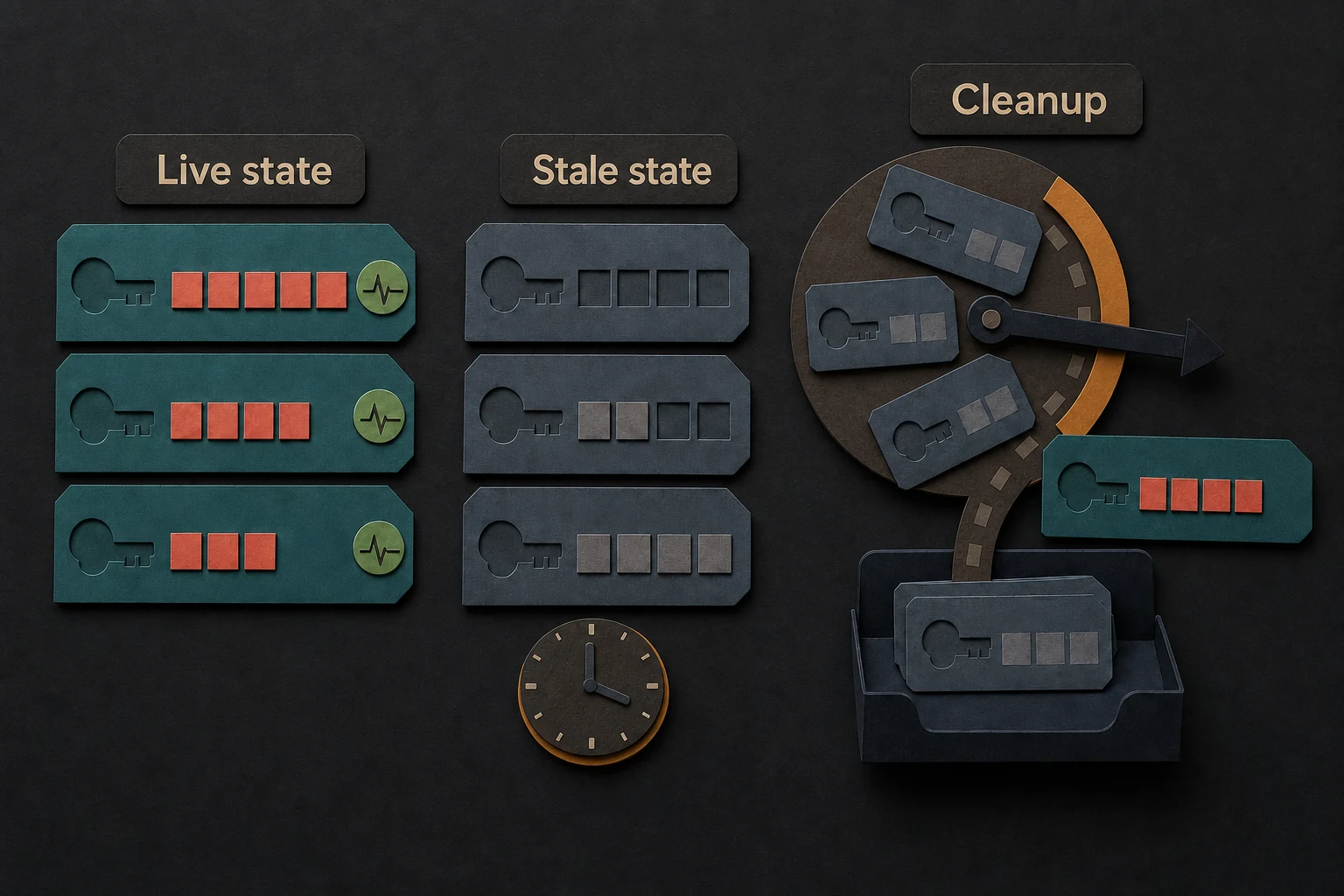
Cleanup does not run
build() starts cleanup unless builder disabled it. Call start_cleanup_loop() after a manual
stop; calls are idempotent. Hybrid synchronization is not stopped by disabling cleanup.
Redis reports too many results to unpack
Trypema 2.2.0 and earlier versions can get this error from Redis. It has two causes:
- Many keys become stale together: approximately 1,600 keys of the absolute strategy, or 1,143
keys of the suppressed strategy. Then cleanup and the Redis
clear()fail on each pass, and the stale keys stay in Redis. - One key has 8,000 or more expired buckets. Then
inc,get,delete, and the conditional sets fail for that key. This occurs only with a small bucket size, such as 1 ms.
To correct this, upgrade to 2.2.1 or a later version. No manual Redis step is necessary. See Cleanup.