

Concepts
Sliding Windows
Trypema uses sliding windows instead of fixed windows, with configurable bucket coalescing.
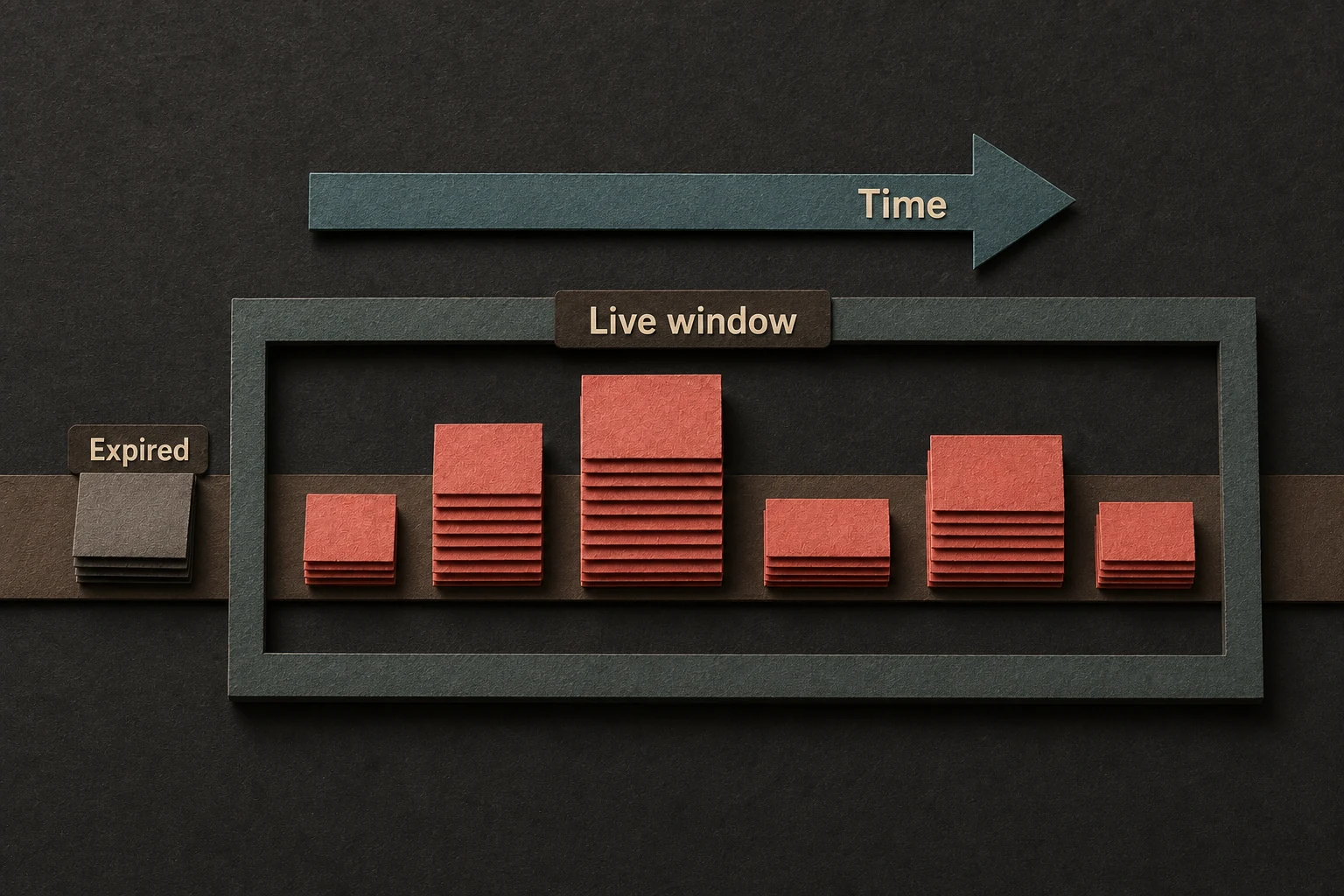
Trypema counts traffic over a moving time window instead of resetting everything at fixed boundaries.
Why sliding windows
Sliding windows avoid the common fixed-window problem where traffic can burst at the end of one window and the start of the next.
That gives you smoother enforcement and more realistic backoff behavior.
How Trypema keeps it efficient
Trypema groups nearby timestamps into buckets using
BucketSize, a validated coalescing interval.
- smaller buckets give finer timing and retry hints
- larger buckets reduce overhead and memory pressure
The main trade-off
| Setting | Effect |
|---|---|
smaller BucketSize | more precision, more bucket churn |
larger BucketSize | less precision, lower overhead |
Practical defaults
For many applications, a small bucket size like 10ms or the default grouping is enough. Reach for tighter values only when you truly need sharper timing.
Buckets remain live through configured
WindowSize, the duration of sliding window. Public
reads include only live buckets and may lazily remove expired history.
What readers should remember
- Sliding windows smooth bursts better than fixed windows.
- Bucket coalescing is the main precision-versus-overhead knob.
- This trade-off matters most at high throughput or very large key counts.