

Rate Limits
RateLimit is a validated rate that Trypema normalizes to a per-second value. Construct it in
the unit that matches the policy, such as RateLimit::per_second(10.0) or
RateLimit::per_minute(30.0).
Fractional rates are normal
You are not limited to whole numbers:
10.0means ten requests per second5.5means five and a half requests per second0.5means roughly one request every two seconds
Window capacity
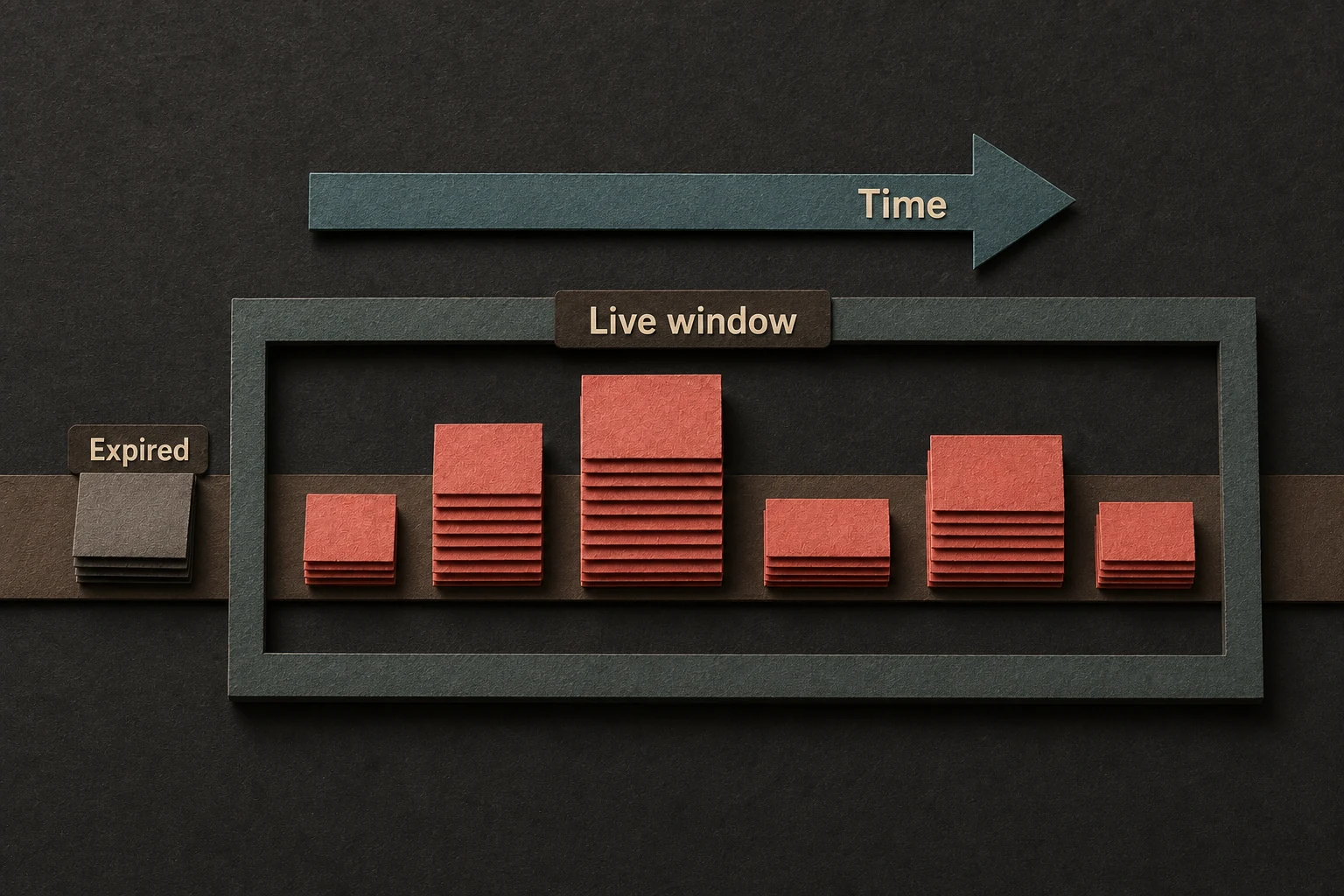
Trypema enforces rates over a sliding window, so the rough budget for a key is:
window capacity = rate limit per second × window size in seconds
Example:
- rate limit =
5.0 - window =
60s - capacity = about
300requests in the current moving window
Sticky per key
The first inc(...) call stores the computed capacity for that key. Later increments do not
replace it. set_rate_limit(...) changes only the stored capacity and preserves live history. A
matched set_if(...) or set_if_preserve_history(...) replaces both usage and stored capacity;
a matched zero target removes the key.
This prevents inconsistent behavior when multiple parts of an application accidentally pass different limits for the same key.
How to think about it
- Use low fractional values for sparse events.
- Use whole-number rates for common request budgets.
- Treat the first increment's computed capacity as sticky until a rate-only update, matched conditional update, or key removal.
See Configuration Types for supported units, defaults, and validation behavior.