

Getting Started
Introduction
Start with the provider and strategy that match your workload, then scale without changing your mental model.
Trypema is a sliding-window rate limiting library for Rust with three providers and two strategies:
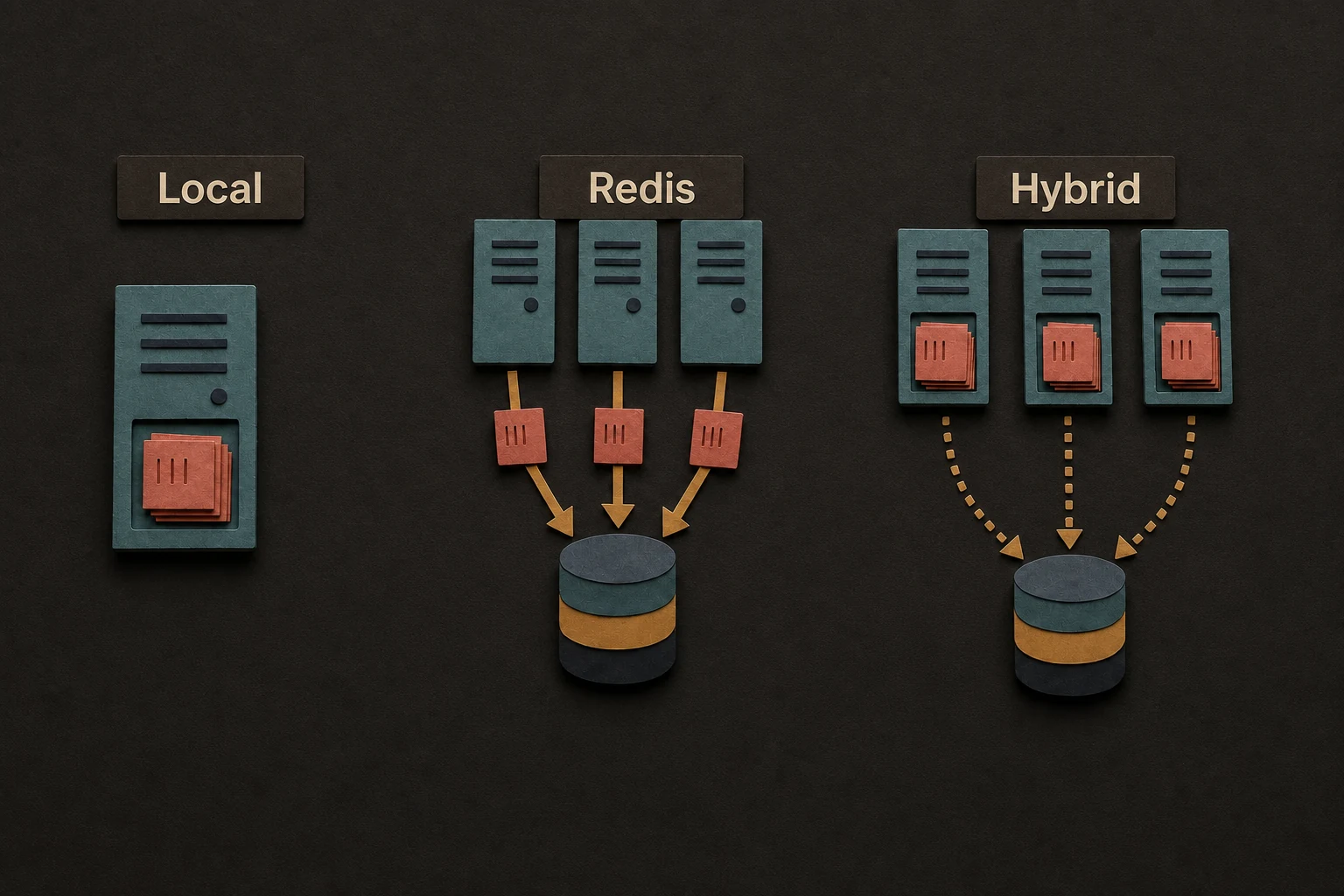
| Provider | Best for | Main trade-off |
|---|---|---|
| Local | single-process services, jobs, CLIs | state is not shared |
| Redis | shared limits across many instances | every check performs Redis I/O |
| Hybrid | very high-throughput distributed APIs | decisions can lag by its configured Redis flush interval (SyncInterval) |
| Strategy | Best for | Behavior |
|---|---|---|
| Absolute | hard admission control | allow or reject |
| Suppressed | graceful degradation | probabilistic shedding near or above the limit |
What Trypema is good at
- Starting local and keeping one consistent model as deployment grows.
- Using fractional rates such as
0.5or5.5requests per second. - Running best-effort distributed limiting with Redis
7.2+. - Choosing between allow/reject admission and smoother traffic shedding.
What to keep in mind
- Local state is process-local.
- Redis and hybrid are best-effort distributed limiters, not strictly linearizable admission control.
redis-tokioandredis-smolare mutually exclusive.
The name
Trypema comes from the Koine Greek word "τρυπήματος" (trypematos), "hole" or "opening," from the biblical phrase "through the eye of a needle." The image fits the library well: a rate limiter is a narrow gate that controls what passes through.